
 ARK: Survival EvolvedSettings & Admin
Disable Ice Wyverns on ARK: Survival Evolved
Stop Ice Wyverns spawning on your ARK: Survival Evolved server with one NPCReplacements line in Game.ini, then clear the ones already on the map.
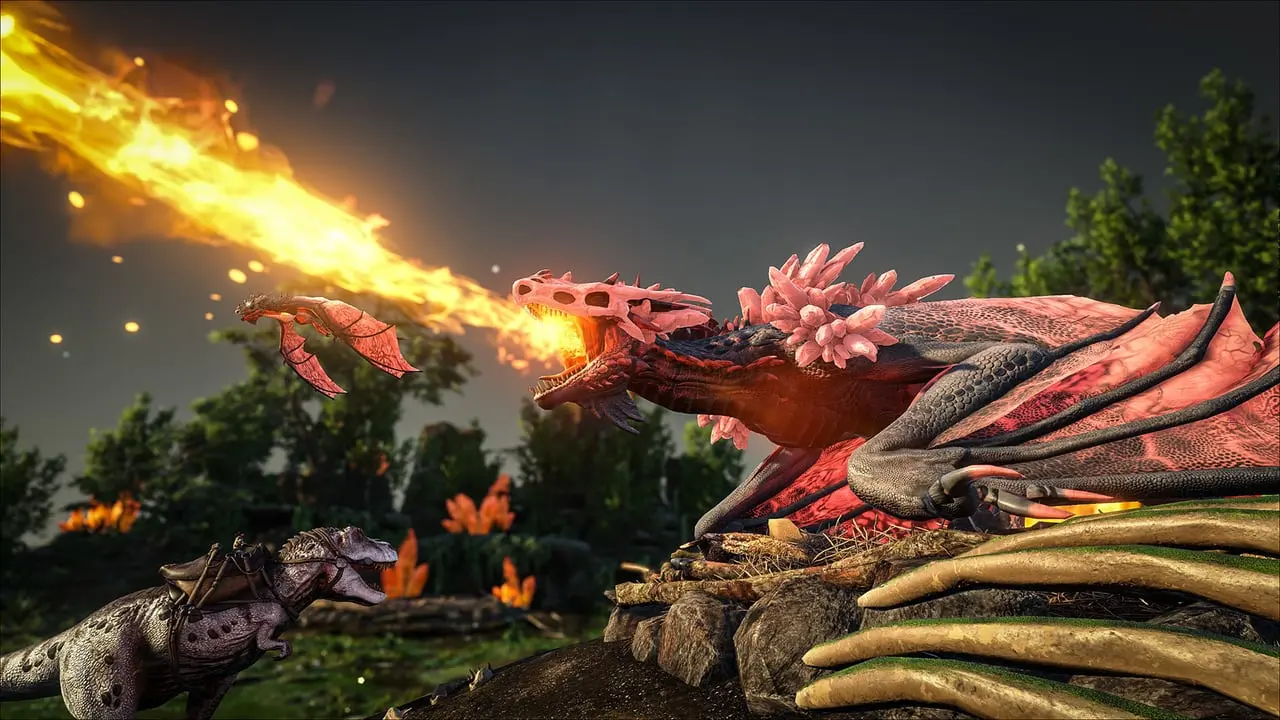
The Ice Wyvern is a variant of the Wyvern that is native to Ragnarok, according to ARK's wiki. If you would rather it never spawned, one line in Game.ini removes it on your ARK: Survival Evolved server. Nothing on the Server Settings tab covers it, so you edit the file in the File Manager.
Checked against ARK: Survival Evolved 361.8, October 2026.
What the line does
The wiki describes NPCReplacements as a Game.ini setting that can replace the spawns of one creature with another, or "completely disable any specific NPC spawn". A creature is named by its class name, and the Ice Wyvern's is Ragnarok_Wyvern_Override_Ice_C. That one class covers the Ragnarok and Valguero Ice Wyverns, because ARK's patch 310.41 switched the Valguero class to the Ragnarok one. The wiki names no other Ice Wyvern class, so on any other map with Ice Wyverns, such as Fjordur (which the wiki lists in their habitat), check whether any still spawn after the change.
An empty ToClassName removes the creature, the form shown in ARK's own patch 196.0 notes for disabling an alpha: NPCReplacements=(FromClassName="MegaRex_Character_BP_C",ToClassName="").
Edit Game.ini
Stop the server first. ARK keeps its settings in memory and writes them back when it shuts down, so an edit made while it runs can be lost.
- Stop the server.
- Open the File Manager and go to
ShooterGame/Saved/Config/LinuxServer/. - Open
Game.iniand press Edit. If there is noGame.ini, create a plain text file with that name on your computer and Upload it to the folder. ARK ini settings explained: GameUserSettings.ini, Game.ini covers the file and the Upload step. - Make sure this header line exists exactly as written, with the lower-case letters, and add the new line below it:
[/script/shootergame.shootergamemode]
NPCReplacements=(FromClassName="Ragnarok_Wyvern_Override_Ice_C",ToClassName="")- Press Save and Start the server.
The wiki is explicit that these options only work in Game.ini under that header: "Specifying them on the command line will have no effect." So do not put the line in Additional Arguments.
Clear the ones already on the map
The wiki describes NPCReplacements as a spawn setting. To clear Ice Wyverns already on the map, run destroywilddinos in the Console tab. It removes every wild creature so they respawn fresh, so expect the whole map to repopulate. How to change spawn rates on ARK: Survival Evolved covers the other spawn settings.
Turn them back on
Delete the NPCReplacements line, save and start the server again.
Other creatures
Each creature you want gone needs its own NPCReplacements line with its own class name, one entry per line. ARK: Survival Evolved alpha creatures list has the class names for the alphas.
Common problems
- They still spawn: the server was running when you edited, so the change was lost. Stop it, repeat the edit and start it again.
- The server ignores the line: check it sits under
[/script/shootergame.shootergamemode], spelled exactly, and the quotes are straight quotes.
Related guides

Change Wild Spawn Rates in ARK: Evolved
Scale wild creature spawns with DinoCountMultiplier or favour one creature with DinoSpawnWeightMultipliers on your ARK: Survival Evolved server.
3 min read
Change Alliance Settings in ARK: Evolved
Switch tribe alliances off or cap their size on your ARK: Survival Evolved server with PreventTribeAlliances and two Game.ini limits.
3 min read
Engram Points Per Level in ARK: Evolved
Set how many engram points each level gives on an ARK: Survival Evolved server, using OverridePlayerLevelEngramPoints lines in Game.ini.
3 min read