
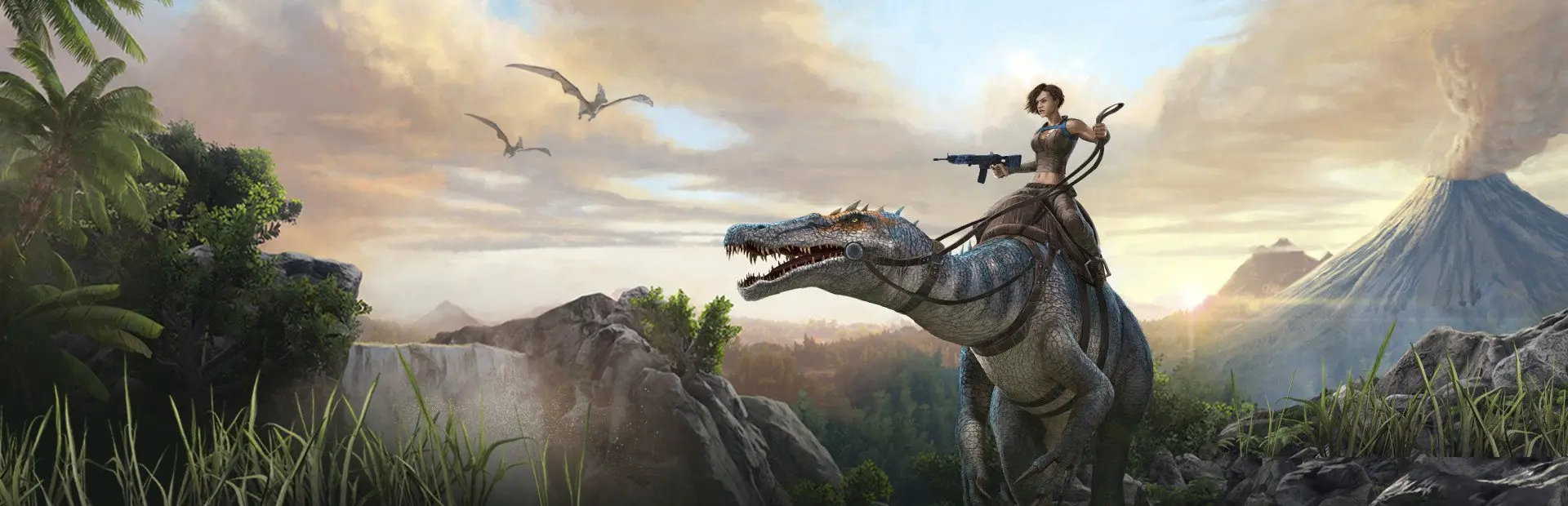

A world you built in single-player can become your server's world. You copy two files across: the world itself and your character. The part people trip on is the character file: on a server it is named after your account ID, and single-player names it differently. These steps are for ARK: Survival Evolved on a PC with Steam.
Find your save on your PC
Close ARK first. Your single-player files are in the ShooterGame/Saved folder of your ARK install, for example SteamLibrary\steamapps\common\ARK\ShooterGame\Saved.
- The Island uses
SavedArksLocal.LocalPlayer.arkprofileis in that folder, beside the world,TheIsland.ark. ALocalProfilesfolder next to it holdsPlayerLocalData.arkprofile, which is not your character. - Other maps (the DLC maps) have their own folder and a separate character profile. The folder is named after the map, such as
TheCenterSavedArksLocal. - You need two files: the map's
.arkworld file, and your character,LocalPlayer.arkprofile.
The ARK wiki documents these folders and the LocalPlayer.arkprofile name. Copy both files to your desktop so you are working on copies.
Get your account ID
On a server, your character file is named after your account ID: 17 digits for Steam players, 19 for Epic Games Store players. Join your server and type whoami in the console, or follow how to find a tribe or player ID on ARK: Survival Evolved.
On your desktop copy, rename LocalPlayer.arkprofile to <your ID>.arkprofile, for example 76561198000000000.arkprofile. With that name, you join the server as your single-player survivor.
Upload it to your server
- Back up first. Open the Backups tab and create a backup, so you can return to the server's current world. How to create and restore backups explains how.
- Open Server Options > Startup Parameters and set Map to the map your save is from. The default is
TheIsland, and the field's description lists the other official names. If your world used Workshop mods, add their IDs to Mod IDs too. Save, but do not restart yet. - Open the Console tab and press Stop. A stop saves the world on its way out, so stop before you upload. A server that stops after the upload would save over your files.
- Open the File Manager and go to
ShooterGame/Saved/SavedArks. - Press Upload and pick the
.arkfile and the renamed.arkprofilefile. If the server already has a file with the same name, choose Replace and overwrite. - Press Start on the Console tab and wait for the server to finish loading. The getting started guide covers joining.
Browser uploads stop at 100 MB a file. For a bigger save, upload over SFTP with the details behind the SFTP button in the File Manager. The File Manager uploads files, not folders, so if you have a folder to send, zip it, upload the .zip and press Extract here.
You uploaded one character file, your own. Other players have no character file on the server yet. The server makes one for each player the first time they join.
If it doesn't work
- You load into a brand new world. The Map setting doesn't match the map your save is from, or the file isn't in
SavedArks. Check both. - Your character didn't come across. Check the
.arkprofilename against your account ID, digit for digit, and that it ends in.arkprofile. With any other name, the server does not find it and you get a new survivor. - The server stops when it starts. Open the Console tab, switch to its Errors tab and read the last lines. A world from a modded game needs the same mods in Mod IDs.
- You want the old server world back. Stop the server and restore your backup from the Backups tab.
Related guides
Download your ARK Evolved world save
Download your ARK: Survival Evolved world from the File Manager or Backups tab, and open it in single-player if you want to.
Updated 18 Nov 20263 min read
Reset player and tribe data on ARK Evolved
Reset every player, one player or one tribe on an ARK: Survival Evolved server by deleting character files or using tribe commands.
Updated 18 Nov 20264 min read
Wipe your ARK Evolved server
Wipe your ARK: Survival Evolved world, keep or reset characters and tribes, and reset wild creatures, with a backup to undo it.
Updated 18 Nov 20264 min read