

DayZ server hosting in Australia
DayZ servers in Sydney.
Your DayZ world on a dedicated server in Sydney. Pick Chernarus or Livonia and set the day speed, voice chat and whitelist on the Server Settings tab, upload mods and set their load order on the Mods tab, and kick, ban or message players through BattlEye from the Console. Our server guide covers the rest.
A DayZ server in Sydney. Run Chernarus or Livonia, upload mods with their load order, and kick, ban or message players from the Console. Our server guide covers the rest.
Not sure which plan you need?
Answer a few questions about your server and we'll point you at the right size.
DayZ server plans
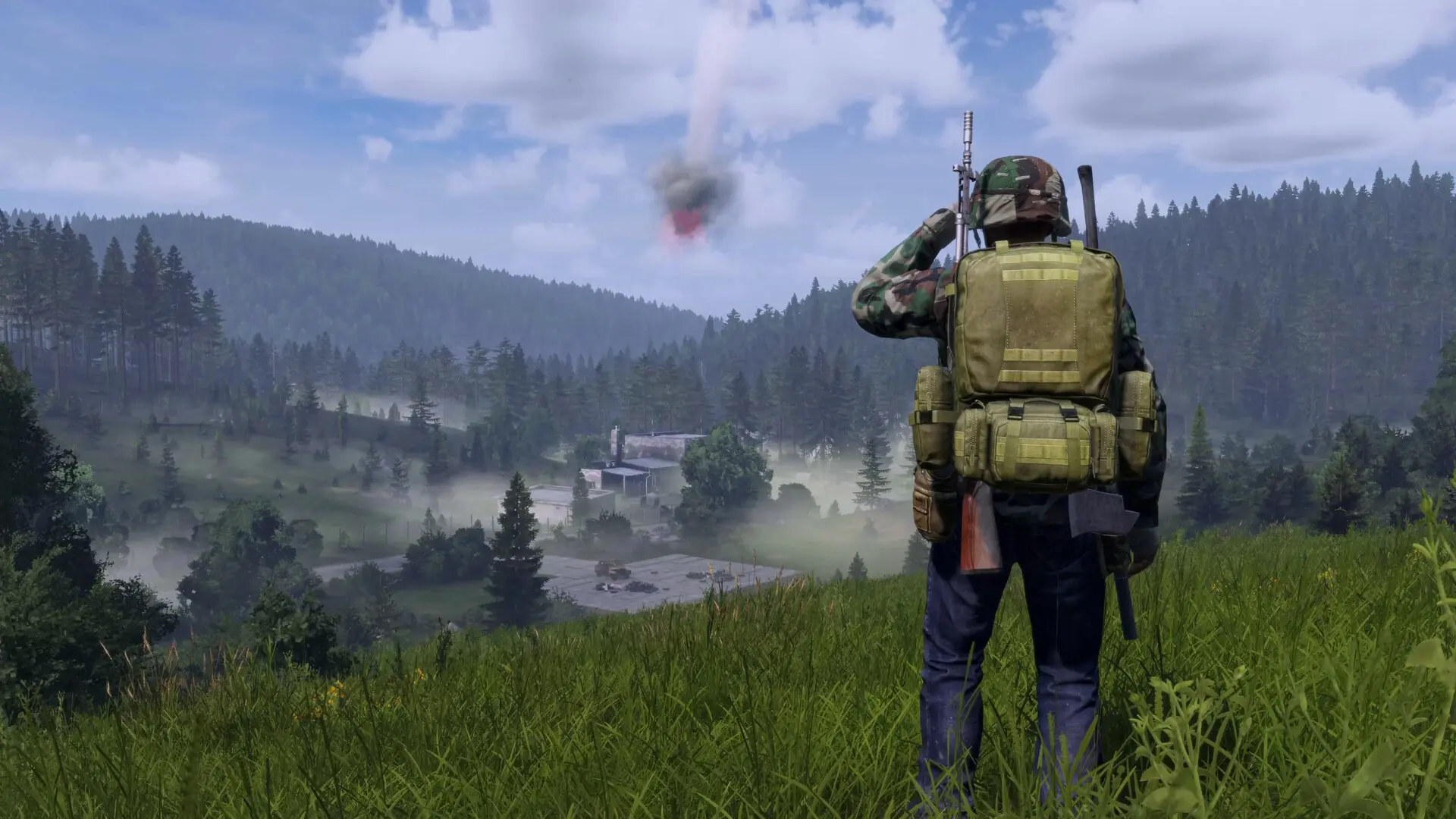
Fresh Spawn
Vanilla Chernarus or Livonia for your group.
Up to 20 players.
3vCPU6GBRAM20GBStorage
What you get:
- 3 one-click backup slots
- 2 extra ports for mods and plugins
- Mods: upload each @ folder as a zip, and the DayZ launcher gets players the same mods
- Join from the Community list, Direct Connect or the DZSA Launcher
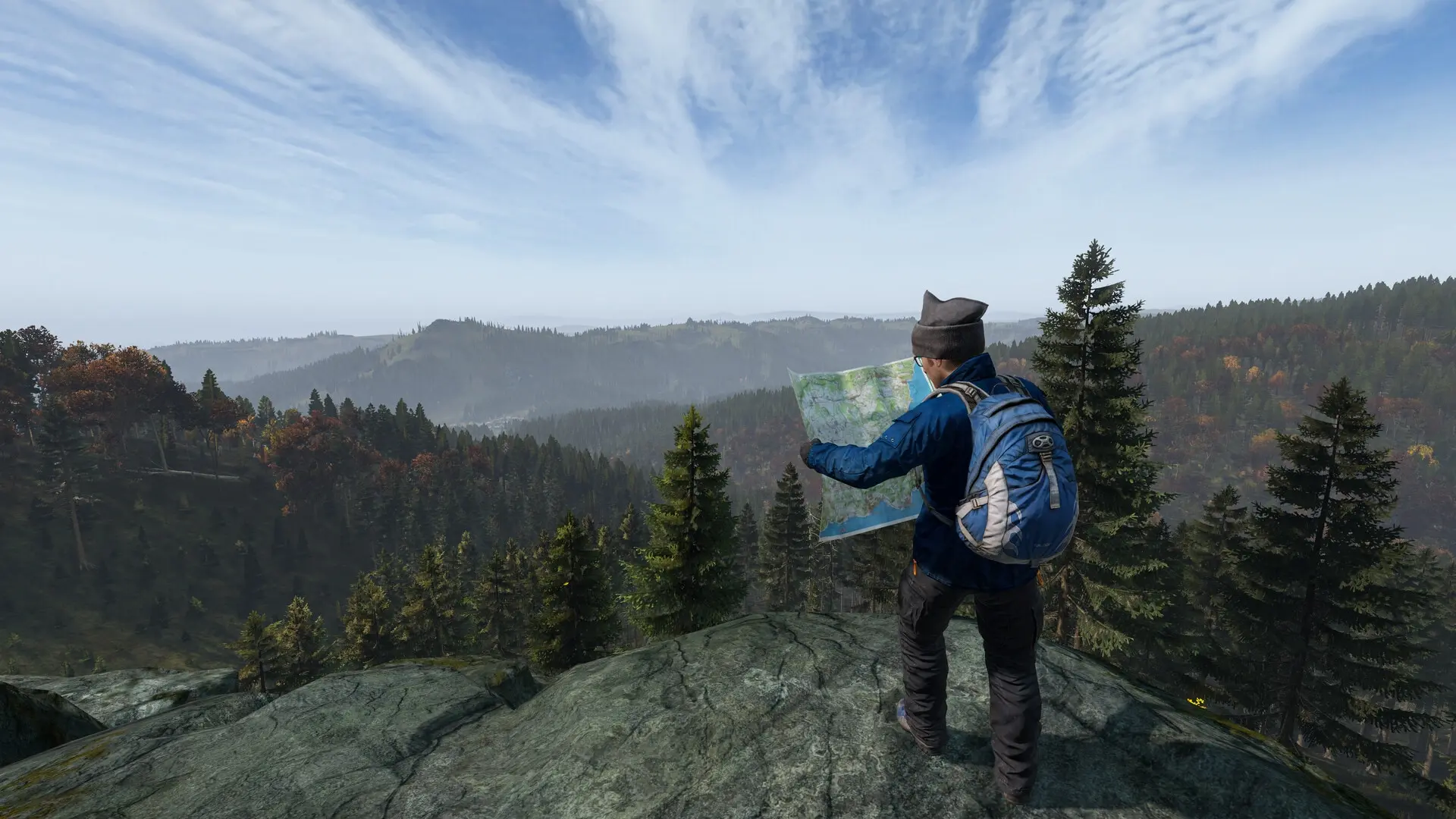
Survivor
A community server with a few mods.
Up to 40 players.
4vCPU8GBRAM30GBStorage
What you get:
- 3 one-click backup slots
- 2 extra ports for mods and plugins
- Mods: upload each @ folder as a zip, and the DayZ launcher gets players the same mods
- Join from the Community list, Direct Connect or the DZSA Launcher
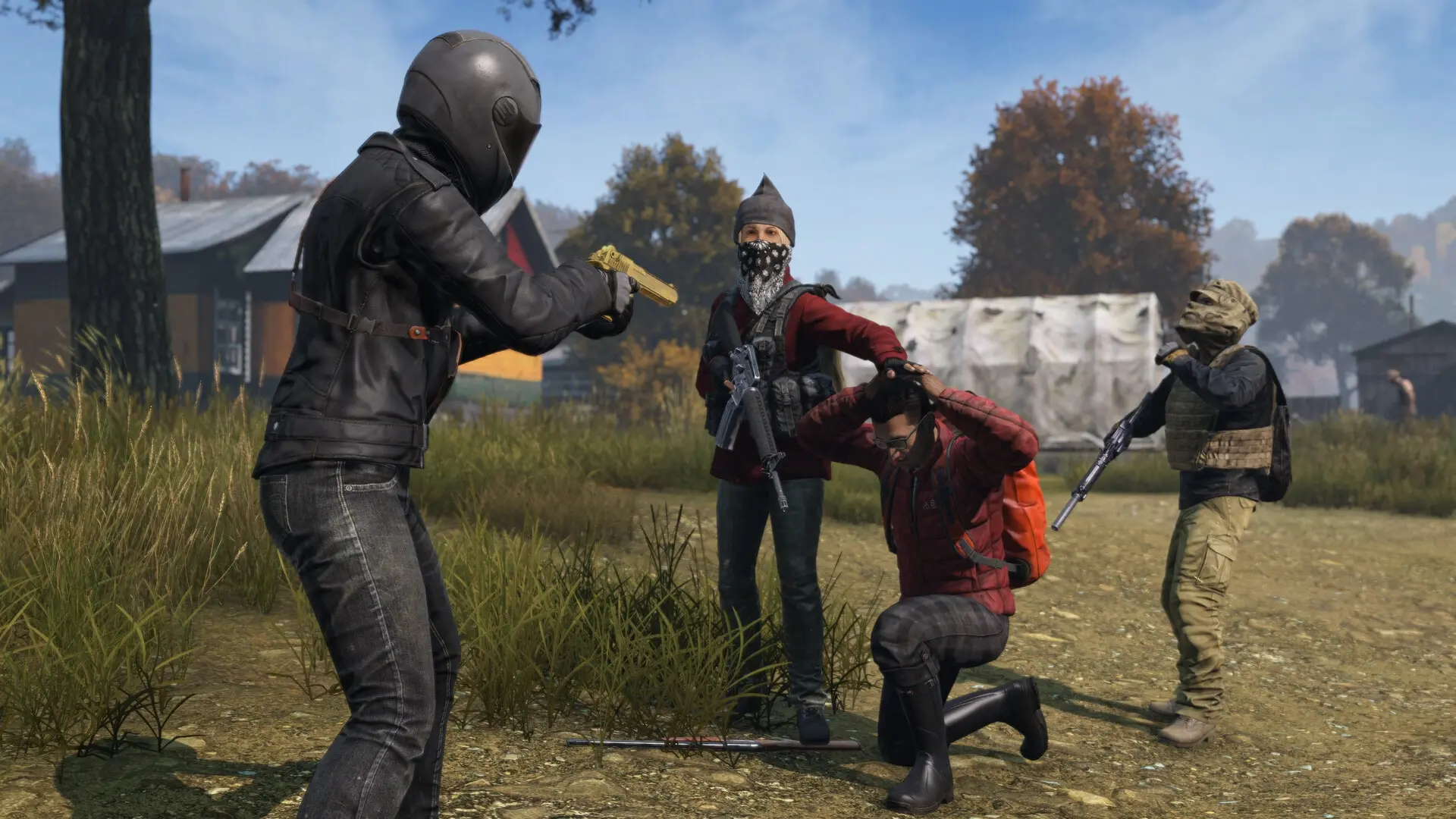
Hero
Big mod lists and a full community.
Up to 60 players.
5vCPU12GBRAM40GBStorage
What you get:
- 3 one-click backup slots
- 2 extra ports for mods and plugins
- Mods: upload each @ folder as a zip, and the DayZ launcher gets players the same mods
- Join from the Community list, Direct Connect or the DZSA Launcher
Included with every plan
Every plan gets the same features. The one you pick changes the hardware.
No seat pricing
We never charge per player. Your plan sets how many can join: 20, 40 or 60.
Live console
Watch the log and send commands while the server is running.
File manager
Browse, edit, upload and download, folders included.
SFTP access
Your own credentials for FileZilla or WinSCP when the browser is too slow.
Backups
Take one before you break something; restore in a click.
Scheduler
Restarts, backups and commands run on a timer you set.
Server Options
Server name, join password and admin password, without a ticket.
Sub-users
Give an admin access without handing over your account.
Audit logs
Who did what, so a shared server stays accountable.
72-hour refund window
A full refund if you ask within 72 hours of paying, no reason required.
DayZ hosting FAQ
Quick answers about running a DayZ server with us.
In OVHcloud's Sydney data centre, on dedicated AMD Ryzen 5000-series servers. Measured data centre to data centre, ping is about 6 ms from Canberra, 10 ms from Melbourne, 12 ms from Brisbane, 19 ms from Adelaide and 46 ms from Perth, and New Zealand is close too: about 30 ms from Auckland, 36 ms from Wellington and 41 ms from Christchurch. Your home connection adds to these. Your whole group plays on the one server, whether you play from across Australia or New Zealand. Our guide to what ping to expect from each city has the full table. Players in North America can choose a server in Dallas, Texas instead, at checkout.
Search for your server's name in the DayZ launcher's Community tab. Or open Servers, press Direct Connect and type the Server address and the Port from your dashboard's left rail into the IP Address and Port boxes. The DZSA Launcher works too. Our DayZ server guide has the steps.
Yes. Zip the mod's @ folder on your PC, upload it on the Mods tab, set the load order and restart. A player without the mod sees it under Content required by server in the DayZ launcher, and Setup DLCs and mods and join subscribes them to it. Our guide to installing mods has the steps.
Chernarus and Livonia come with the game: pick one in Map on the Server Settings tab and restart. Each map keeps its own world. Sakhal and Nasdara are paid expansions, so only players who own one can join it. Our guide to changing the map covers custom maps too.
Yes. In your dashboard, open Billing and choose Change plan on the server's subscription. Upgrades apply now and cost only the difference, anything cheaper starts at your next renewal, and your world, files and settings stay as they are.
We offer a full refund on a plan if you request it within 72 hours of the purchase or renewal payment, no reason required. Refunds go to your original payment method and typically appear within 5 to 10 business days. Our refund policy has the rest.
Our team is on hand 7 days a week. Start a live chat or open a ticket from your dashboard whenever you need us. Our contact page lists every way to reach us.
Still have questions?
The two of us who run the servers play the games too, and answer every message.